Every data engineer who has worked on a legacy migration has the same story. The source schema changed. A column was added, a data type was widened, a field was renamed. And the entire downstream pipeline broke. Not because the data was wrong, but because the table format could not tolerate even minor structural changes without manual intervention, downtime, and often a full data reload.
This is the schema rigidity problem, and it is the single largest source of migration delays, cost overruns, and failed cutover attempts in enterprise data modernization. Apache Iceberg solves it. And understanding how it solves it is essential for anyone planning a migration from SAS, Informatica, DataStage, or any other legacy ETL platform to a modern lakehouse architecture.
The Schema Problem in Legacy Migrations
Legacy ETL platforms were built in an era when schemas were assumed to be stable. SAS datasets have a fixed column list baked into the data file header. Informatica mappings define source and target schemas at design time, and any deviation at runtime triggers an error. DataStage jobs compile column definitions into the executable, meaning a schema change requires recompilation and redeployment. COBOL copybooks define record layouts with byte-level precision that cannot change without rewriting every downstream program.
This rigidity was manageable when schemas changed infrequently. But modern data environments are not static. Business requirements evolve. Source systems are upgraded. New regulatory fields are mandated. Analytics teams need new columns. And every one of these changes cascades through the pipeline as a breaking event.
The migration itself intensifies the problem. During a migration, you are not just moving data from one platform to another. You are mapping schemas between systems that represent types differently. A SAS numeric (8-byte floating point) does not map cleanly to a Spark IntegerType. An Informatica Decimal(18,2) needs careful handling when landing in a Parquet file. A COBOL PIC S9(7)V99 COMP-3 packed decimal has no direct equivalent in most modern formats.
And the target schema is not a one-time decision. As the migration progresses over weeks or months, the source system continues to change. New columns appear. Types are widened. Fields are deprecated. Each change means revisiting the target schema, rebuilding tables, reloading data, and re-validating results. In traditional table formats, this is enormously expensive.

Apache Iceberg — enterprise migration powered by MigryX
How Iceberg Handles Schema Evolution
Iceberg was designed from the ground up to treat schema change as a normal, expected operation rather than an exceptional event. Every schema evolution operation in Iceberg is a metadata-only change. No data files are rewritten. No tables are rebuilt. No downstream queries break.
The key insight is how Iceberg identifies columns. Instead of using column names or positions (as Hive and most traditional formats do), Iceberg assigns each column a unique integer ID when it is first created. Data files record values by column ID, not by name or position. This means that renaming a column, reordering columns, or adding new columns cannot possibly corrupt existing data files, because those files reference columns by their immutable IDs.
Add Columns
Adding a column to an Iceberg table is instantaneous. The new column is registered in the metadata with a new unique ID. Existing data files simply do not contain values for this column, so reads return NULL for the new column on old data. New writes include the column. No rewriting, no downtime, no reader impact.
ALTER TABLE catalog.db.customer_transactions
ADD COLUMNS (
  loyalty_tier STRING COMMENT 'Customer loyalty classification',
  risk_score DOUBLE COMMENT 'ML-generated risk score'
);
Drop Columns
Dropping a column removes it from the current schema but does not delete data from existing files. The column ID is retired and will not be reused. Old data files still contain the column physically, but it is invisible to readers using the current schema. This is important for compliance: the data is still present for historical queries via time travel, but new reads do not expose it.
Rename Columns
Because columns are tracked by ID, renaming is a metadata-only operation that changes the human-readable name without affecting any data files. A column originally named cust_id can be renamed to customer_identifier and every existing data file continues to work because the underlying column ID has not changed.
ALTER TABLE catalog.db.customer_transactions
RENAME COLUMN cust_id TO customer_identifier;
Reorder Columns
Column ordering in query results can be changed without any data impact. Moving a column to a different position in the schema is a metadata update. Data files store values by column ID, so physical ordering in the file is independent of logical ordering in the schema.
Type Promotion (Widening)
Iceberg supports safe type widening operations where no data precision is lost. These promotions are metadata-only changes that update the schema while existing data files remain valid because the original narrower type is always safely readable as the wider type:
int→longfloat→doubledecimal(P, S)→decimal(P', S)where P' > P (wider precision)
-- Widen transaction_amount from decimal(10,2) to decimal(18,2)
ALTER TABLE catalog.db.customer_transactions
ALTER COLUMN transaction_amount TYPE decimal(18,2);
Iceberg intentionally does not support unsafe type changes (narrowing, changing between incompatible types) because these could silently corrupt data. This constraint is a feature: it guarantees that schema evolution never breaks existing data.
MigryX: Idiomatic Code, Not Line-by-Line Translation
The difference between MigryX and manual migration is not just speed — it is code quality. MigryX generates idiomatic, platform-optimized code that leverages native features of your target platform. A SAS DATA step does not become a clunky row-by-row loop — it becomes a clean, vectorized DataFrame operation. A PROC SQL query does not become a literal translation — it becomes an optimized query that takes advantage of your platform’s pushdown capabilities.
Migration Advantage: Evolve Without Breaking
To appreciate what Iceberg schema evolution means for migration, it helps to compare how other formats handle the same operations.
Hive Tables
Hive tables identify columns by position. Adding a column at the end is relatively safe, but renaming or reordering columns breaks all existing data files. An ALTER TABLE statement changes the metastore entry, but existing Parquet or ORC files still have the old column names embedded in their headers. The result is silent data corruption: queries return data from the wrong column because names no longer match positions. In practice, schema changes on Hive tables often require a full table rebuild.
Delta Lake
Delta Lake supports schema evolution through its mergeSchema option, and column mapping modes (by name or by ID) were added in later versions. However, enabling column mapping requires converting existing tables, and the behavior differs between mapping modes. Delta's schema enforcement is tightly integrated with Spark and the Databricks runtime, which limits multi-engine flexibility. Schema evolution works, but with platform-specific constraints.
Iceberg's Advantage
Iceberg's column-ID-based approach means that schema evolution is engine-agnostic, format-agnostic, and always safe. Whether you read the table from Spark, Trino, Flink, Snowflake, or any other Iceberg-compatible engine, schema evolution behaves identically. There are no mode switches, no format conversions, and no engine-specific behaviors to account for. For a migration that targets multiple engines or expects schema changes during rollout, this consistency is invaluable.
| Operation | Hive | Delta Lake | Iceberg |
|---|---|---|---|
| Add column | Append only, positional | Supported (mergeSchema) | Metadata-only, by column ID |
| Rename column | Breaks existing data | Requires column mapping mode | Metadata-only, safe |
| Drop column | Not truly supported | Supported | Metadata-only, ID retired |
| Reorder columns | Breaks reads | Supported with mapping | Metadata-only, safe |
| Type widening | Manual rebuild | Limited support | Metadata-only (safe promotions) |
| Multi-engine consistency | No | Spark-centric | Yes, engine-agnostic |
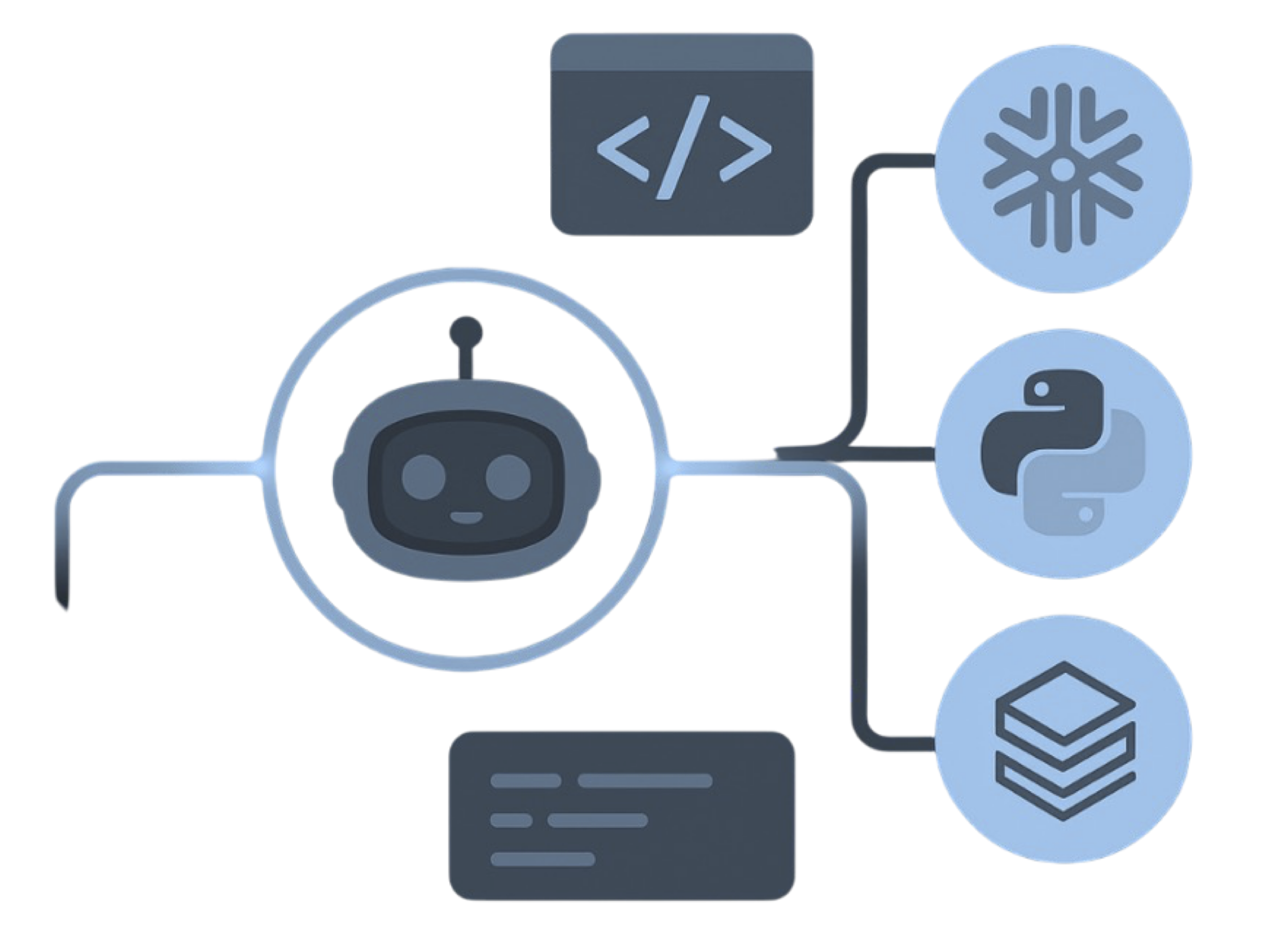
MigryX precision parser — Deep AST-level analysis ensures every construct is understood before conversion begins
Platform-Specific Optimization by MigryX
MigryX maintains deep knowledge of every target platform’s strengths and best practices. When converting to Snowflake, it leverages Snowpark and native SQL functions. When targeting Databricks, it uses PySpark DataFrame operations optimized for distributed execution. When generating dbt models, it follows dbt best practices for modularity and testability. This platform awareness is what makes MigryX output production-ready from day one.
Practical Migration Pattern
The combination of Iceberg's schema evolution capabilities with MigryX's automated conversion enables a migration pattern that eliminates the traditional "big bang" schema cutover. Instead of finalizing the target schema before migration begins and then freezing it for the duration of the project, teams can migrate iteratively and evolve the schema as they go.
Step 1: Migrate with the Initial Schema
Start by converting the legacy ETL code and landing data in Iceberg tables with the initial schema derived from the source system. MigryX generates this schema mapping automatically, translating SAS, Informatica, DataStage, or COBOL types to appropriate Iceberg types.
-- Initial table created by MigryX-generated PySpark
CREATE TABLE catalog.analytics.customer_txn (
  txn_id        LONG        COMMENT 'Transaction identifier',
  customer_id   LONG        COMMENT 'Customer identifier',
  txn_date      DATE        COMMENT 'Transaction date',
  amount        DECIMAL(10,2) COMMENT 'Transaction amount',
  category      STRING      COMMENT 'Product category'
)
USING iceberg
PARTITIONED BY (days(txn_date));
Step 2: Evolve Incrementally
As the migration progresses and new requirements emerge, evolve the schema without rebuilding anything. New columns added by the source team, type widening needed for larger values, renamed fields that align with the new naming standard — all handled as metadata operations.
-- Week 3: Source system adds loyalty tier
ALTER TABLE catalog.analytics.customer_txn
ADD COLUMN loyalty_tier STRING COMMENT 'Customer loyalty classification';

-- Week 5: Amount column needs wider precision for international currencies
ALTER TABLE catalog.analytics.customer_txn
ALTER COLUMN amount TYPE DECIMAL(18,2);

-- Week 7: Align naming convention
ALTER TABLE catalog.analytics.customer_txn
RENAME COLUMN txn_id TO transaction_id;

ALTER TABLE catalog.analytics.customer_txn
RENAME COLUMN txn_date TO transaction_date;
Step 3: Validate Continuously
Because schema evolution does not rewrite data, validation results from earlier migration batches remain valid. You do not need to re-validate week one's data after week three's schema change. The existing data files are untouched; only the metadata has been updated. This dramatically reduces the validation burden that traditionally consumes 30-40% of migration project effort.
Step 4: Evolve Partitioning Alongside Schema
Iceberg's partition evolution works on the same principle as schema evolution: metadata-only changes. If the initial partition strategy was days(transaction_date) but query patterns shift during migration to favor customer-based access, you can evolve the partition spec without rewriting existing data.
-- Evolve to include bucket partitioning on customer_id
ALTER TABLE catalog.analytics.customer_txn
ADD PARTITION FIELD bucket(16, customer_id);
New data files are written with the updated partition spec. Old data files retain their original partitioning. Iceberg's query planner handles both transparently, pruning files using whichever partition spec applies to each file.
MigryX + Iceberg Schema Evolution
MigryX maps legacy column definitions to Iceberg schema with proper type promotion rules — SAS numeric → double, DataStage decimal → Iceberg decimal(p,s), COBOL packed-decimal → Iceberg long — and generates schema evolution scripts for incremental rollout.
This incremental approach fundamentally changes the risk profile of a migration. Traditional migrations require a schema freeze, a big-bang cutover, and a prayer that nothing changed during the transition. Iceberg-based migrations, powered by MigryX's automated conversion, allow teams to start migrating immediately, evolve the schema as requirements change, and validate continuously without rework. The schema is no longer a constraint. It is a living artifact that evolves with the project.
Why MigryX Delivers Superior Migration Results
The challenges described throughout this article are exactly what MigryX was built to solve. Here is how MigryX transforms this process:
- Production-ready output: MigryX generates code that passes code review and runs in production — not prototype-quality output that needs weeks of cleanup.
- Platform optimization: Converted code leverages target platform-specific features for maximum performance and cost efficiency.
- 25+ source technologies: Whether migrating from SAS, Informatica, DataStage, SSIS, or any of 25+ legacy technologies, MigryX handles it.
- Automated documentation: Every conversion decision is documented with before/after code mappings and transformation rationale.
MigryX combines precision AST parsing with Merlin AI to deliver 99% accurate, production-ready migration — turning what used to be a multi-year manual effort into a streamlined, validated process. See it in action.
Ready to migrate without schema rigidity?
See how MigryX generates Iceberg-native code with automated schema mapping and evolution scripts for your legacy ETL platform.
Schedule a Demo